Google Analytics and Tag Manager
Key Summary
Google Analytics is free and one of the most powerful tools available for understanding how people interact with your website.
Google Tag Manager and Google Analytics work together. Tag Manager collects the data, and Analytics reports on it.
The official Google Analytics course gives you a useful framework, but you'll learn most by doing it yourself.
You don't need to be technical to get started, but the rabbit hole goes deep if you want it to.
Even basic data, who visits, from where, and what they read, can tell you a lot about what's working.
As your website or business grows, having clean data from the start makes everything easier.
A Bit of Background
For anyone who hasn't come across it before, Google Analytics is a free tool that tracks how people find and interact with your website. It tells you things like how many people visited, which pages they spent the most time on, where in the world they came from, and how they found you in the first place, whether that was through a Google search, social media or a direct link.
It often works alongside Google Tag Manager, which acts as the middleman between your website and your tracking tools. Rather than adding code directly into your website every time you want to measure something new, Google Tag Manager lets you manage all of that in one place. In simple terms: Tag Manager collects the data, and Analytics reports on it.
How It Started
I'd come across Google Analytics in my last company, but always at arm's length. The data was there, but the numbers didn't always stack up, and that unreliability really bothered me.
After some digging, I found that the parameters were the problem. As a team, we'd never fully defined what an "active user" was, and as the company scaled, that metric had changed significantly, causing our comparisons to be at best unreliable, at worst obsolete. Which was frustrating.
Recognising it was a bigger project than one person could tackle and that it would require significant code changes to the website, it was flagged to our tech team. But that project always stuck with me.
Moving into self-employment and working with different startups made it feel even more relevant. Being able to set up and understand Analytics properly from the ground up and make better-informed decisions from it would massively help me across all aspects of my work.
I decided to use my own website as a first test subject. Having full control over the setup and the ability to test the integrity of the data made far more sense than following a tutorial in isolation.
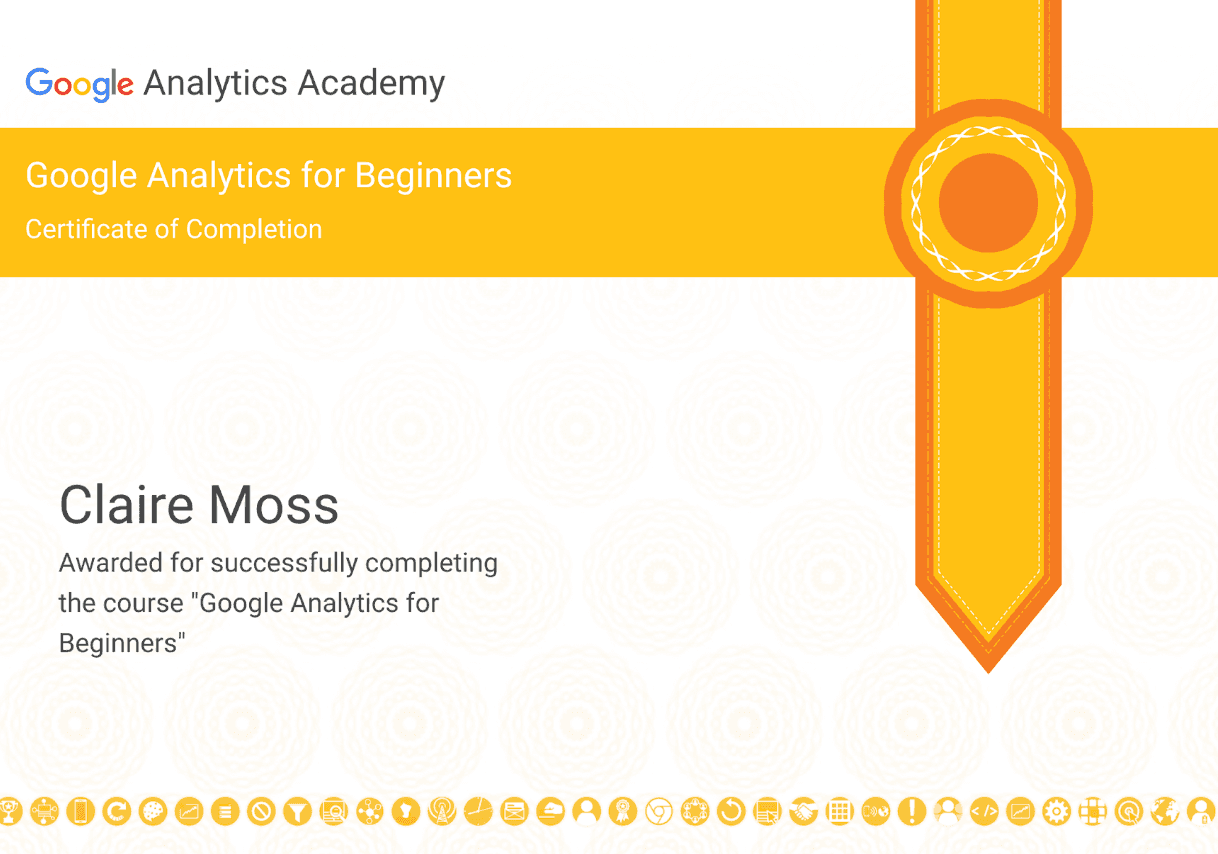
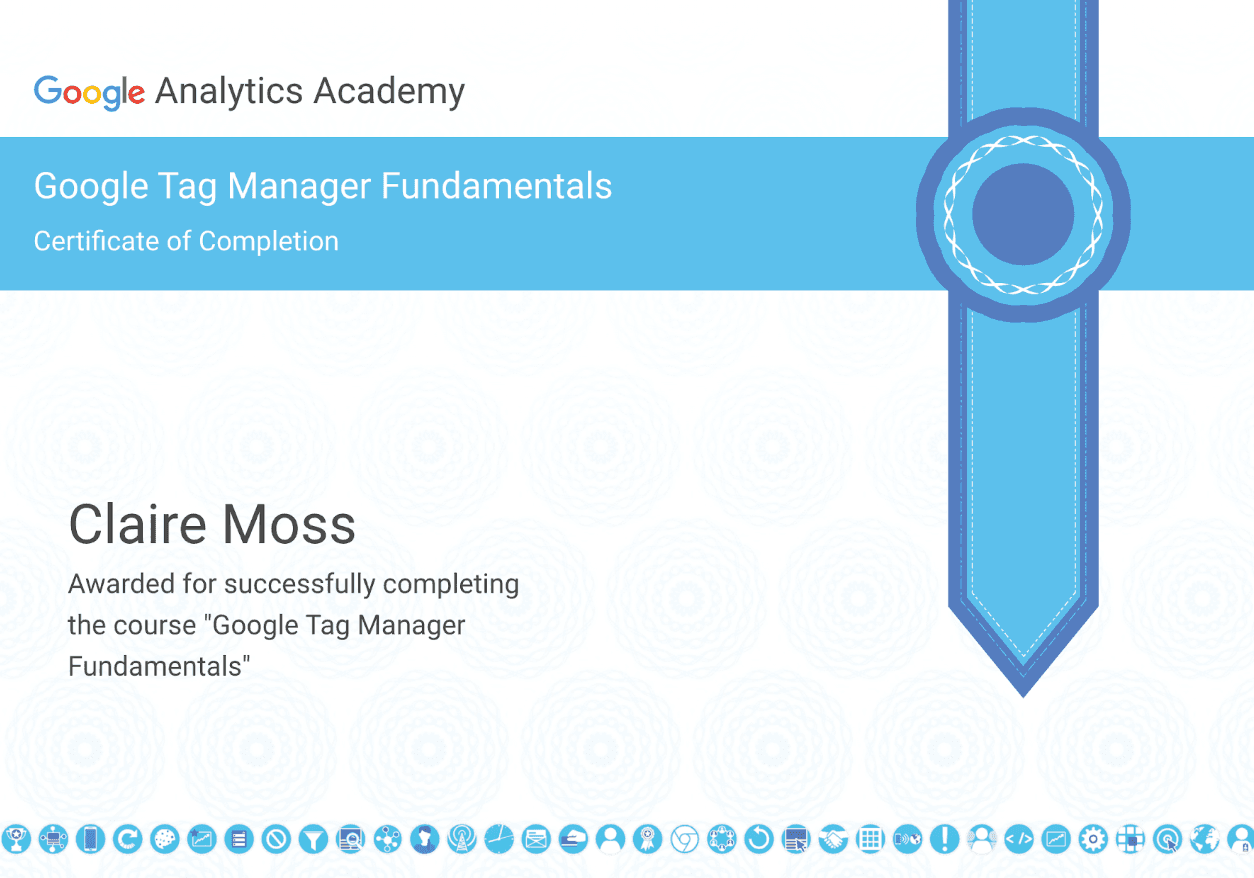
To start, I found 2 official Google courses on Analytics and Tag Manager, both free and came with a certificate upon completion. This seemed like a good place to start. Both had a day's worth of content, so it took a week or so to properly digest and implement.
The Experience
The Google courses gave me a good framework to get started, but if I'm honest, it was more theory than practice. It was useful as a foundation, but don't expect it to hold your hand through the tricky bits.
The real learning happened when I set it up on my own website. Connecting Google Tag Manager to Google Analytics, defining what I actually wanted to track and making sure the data coming through actually meant something was a completely different challenge to following a course module.
A few things I learned along the way:
Defining your parameters clearly from the start saves a huge amount of confusion later. What counts as an "active user" or a "session" needs to be decided early and documented.
Google Tag Manager and Google Analytics need to be set up in the right order and connected correctly, or the data you collect won't mean what you think it does.
The default setup gives you a lot of useful data straight away, but the real value comes when you start customising it for your specific goals.
Google's own documentation is actually really good once you know enough to understand it.
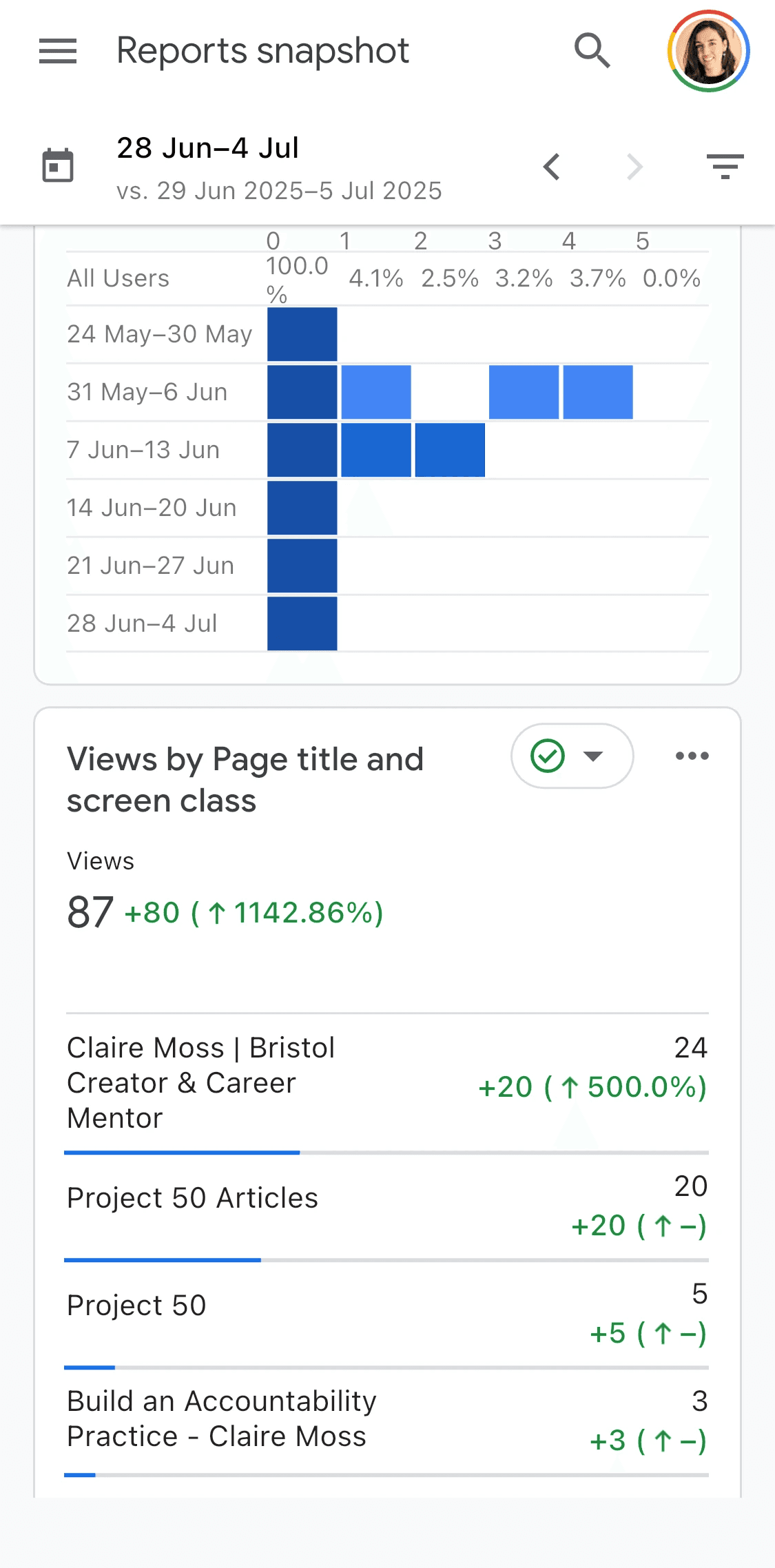
What it's shown me about my own website has been genuinely interesting. Which articles people are reading, where in the world my visitors are coming from, and how they're finding me in the first place. For now, it's more general interest than decision-making data, but as the website grows, I hope that will change.
What I Took Away
For now, Google Analytics is giving me a window into how my website is performing. Which articles are being read, where visitors are coming from and how they're finding me. It's genuinely interesting, even at a stage where I'm not yet making big decisions based on it.
The lesson from my last company was that retrofitting good data practices is a lot harder than building them in properly from the start. The biggest part of that is definitions. What counts as an active user? What triggers an event? Get those wrong, and the numbers can't be trusted. Data you can't trust is worse than no data. It just gives you false confidence.
Get Google Analytics set up early, even if you don't fully understand it yet. Use your own website to learn. The free course is worth doing for the framework it gives you, and the rest you'll figure out by doing.
What I find crazy is that, at the time of writing this, I have nowhere, aside from my LinkedIn bio, to direct people to my website, no adverts, no promo posts, nothing!
One thing that has genuinely surprised me is what the data has shown about my own site. Since setting it up, over 2,500 people have visited, with an average time on site of over a minute! That might sound modest, but the average across most websites is around 30 to 45 seconds, so it's actually a really encouraging sign. And all of that without any direct advertising or promotion (it's actually quite difficult to find).
What's even better is where those people are coming from. Singapore, South Korea, to the US, England and beyond. Writing into the void that is the internet and still being found is a pretty cool feeling.
I'm not claiming fame just yet, but I've had many a virtual coffee and made some genuinely lovely connections with people who found the site and got in touch. That alone has made it worth it.
If you're reading this, thank you. I really appreciate you getting this far. And if you feel the urge, please do get in touch! I'd love to hear more about what you're up to, too.
Resources
You can find many Google-accredited courses here.
Special Thanks
To Google, for making both Google Analytics and Google Tag Manager free to use. Two genuinely powerful tools that are accessible to anyone willing to put in the time to learn them.
To the Google Analytics course, for giving me just enough to get started, and a framework where I could reasearch the rest.
To my Jesus and Krysztof, for the early exposure to the tool and the conversations that made me want to understand it properly.
Google Analytics and Tag Manager
Key Summary
Google Analytics is free and one of the most powerful tools available for understanding how people interact with your website.
Google Tag Manager and Google Analytics work together. Tag Manager collects the data, and Analytics reports on it.
The official Google Analytics course gives you a useful framework, but you'll learn most by doing it yourself.
You don't need to be technical to get started, but the rabbit hole goes deep if you want it to.
Even basic data, who visits, from where, and what they read, can tell you a lot about what's working.
As your website or business grows, having clean data from the start makes everything easier.
A Bit of Background
For anyone who hasn't come across it before, Google Analytics is a free tool that tracks how people find and interact with your website. It tells you things like how many people visited, which pages they spent the most time on, where in the world they came from, and how they found you in the first place, whether that was through a Google search, social media or a direct link.
It often works alongside Google Tag Manager, which acts as the middleman between your website and your tracking tools. Rather than adding code directly into your website every time you want to measure something new, Google Tag Manager lets you manage all of that in one place. In simple terms: Tag Manager collects the data, and Analytics reports on it.
How It Started
I'd come across Google Analytics in my last company, but always at arm's length. The data was there, but the numbers didn't always stack up, and that unreliability really bothered me.
After some digging, I found that the parameters were the problem. As a team, we'd never fully defined what an "active user" was, and as the company scaled, that metric had changed significantly, causing our comparisons to be at best unreliable, at worst obsolete. Which was frustrating.
Recognising it was a bigger project than one person could tackle and that it would require significant code changes to the website, it was flagged to our tech team. But that project always stuck with me.
Moving into self-employment and working with different startups made it feel even more relevant. Being able to set up and understand Analytics properly from the ground up and make better-informed decisions from it would massively help me across all aspects of my work.
I decided to use my own website as a first test subject. Having full control over the setup and the ability to test the integrity of the data made far more sense than following a tutorial in isolation.
To start, I found 2 official Google courses on Analytics and Tag Manager, both free and came with a certificate upon completion. This seemed like a good place to start. Both had a day's worth of content, so it took a week or so to properly digest and implement.
The Experience
The Google courses gave me a good framework to get started, but if I'm honest, it was more theory than practice. It was useful as a foundation, but don't expect it to hold your hand through the tricky bits.
The real learning happened when I set it up on my own website. Connecting Google Tag Manager to Google Analytics, defining what I actually wanted to track and making sure the data coming through actually meant something was a completely different challenge to following a course module.
A few things I learned along the way:
Defining your parameters clearly from the start saves a huge amount of confusion later. What counts as an "active user" or a "session" needs to be decided early and documented.
Google Tag Manager and Google Analytics need to be set up in the right order and connected correctly, or the data you collect won't mean what you think it does.
The default setup gives you a lot of useful data straight away, but the real value comes when you start customising it for your specific goals.
Google's own documentation is actually really good once you know enough to understand it.
What it's shown me about my own website has been genuinely interesting. Which articles people are reading, where in the world my visitors are coming from, and how they're finding me in the first place. For now, it's more general interest than decision-making data, but as the website grows, I hope that will change.
What I Took Away
For now, Google Analytics is giving me a window into how my website is performing. Which articles are being read, where visitors are coming from and how they're finding me. It's genuinely interesting, even at a stage where I'm not yet making big decisions based on it.
The lesson from my last company was that retrofitting good data practices is a lot harder than building them in properly from the start. The biggest part of that is definitions. What counts as an active user? What triggers an event? Get those wrong, and the numbers can't be trusted. Data you can't trust is worse than no data. It just gives you false confidence.
Get Google Analytics set up early, even if you don't fully understand it yet. Use your own website to learn. The free course is worth doing for the framework it gives you, and the rest you'll figure out by doing.
What I find crazy is that, at the time of writing this, I have nowhere, aside from my LinkedIn bio, to direct people to my website, no adverts, no promo posts, nothing!
One thing that has genuinely surprised me is what the data has shown about my own site. Since setting it up, over 2,500 people have visited, with an average time on site of over a minute! That might sound modest, but the average across most websites is around 30 to 45 seconds, so it's actually a really encouraging sign. And all of that without any direct advertising or promotion (it's actually quite difficult to find).
What's even better is where those people are coming from. Singapore, South Korea, to the US, England and beyond. Writing into the void that is the internet and still being found is a pretty cool feeling.
I'm not claiming fame just yet, but I've had many a virtual coffee and made some genuinely lovely connections with people who found the site and got in touch. That alone has made it worth it.
If you're reading this, thank you. I really appreciate you getting this far. And if you feel the urge, please do get in touch! I'd love to hear more about what you're up to, too.
Resources
You can find many Google-accredited courses here.
Special Thanks
To Google, for making both Google Analytics and Google Tag Manager free to use. Two genuinely powerful tools that are accessible to anyone willing to put in the time to learn them.
To the Google Analytics course, for giving me just enough to get started, and a framework where I could reasearch the rest.
To my Jesus and Krysztof, for the early exposure to the tool and the conversations that made me want to understand it properly.